
Convert Tableau Prep files to Python via Claude
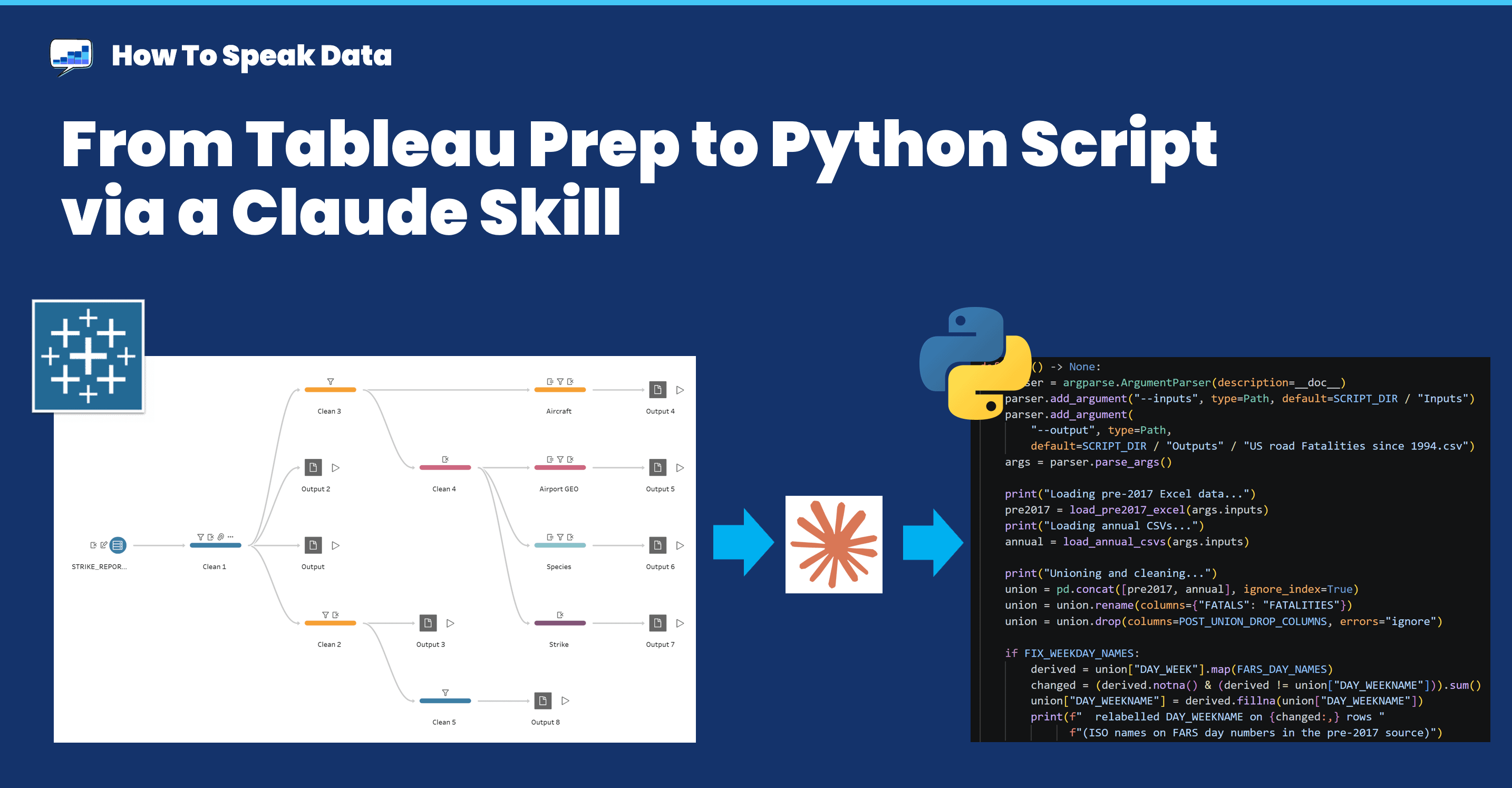
I made a Claude Skill that converts a Tableau Prep flow to a Python script. If you're migrating from Tableau, this is an open source way forward.

I’m migrating away from Tableau Prep to open source tools. And yet I’ve got valuable, reusable data flows buried in there that I need to keep. I can’t throw that knowledge away once I uninstall Tableau Prep.
Before we start:
👉📅“The AI Analyst?”, Thursday, August 6, 4pm BST. Enrico Bertini and I will be discussing how we’ve used LLMs and GenAI to create data viz teaching assets, and lessons we’ve learnt.
My main flows are for the US Wildlife Strikes and Road Fatalities datasets. They’re somewhat sober datasets, but each has an excellent mix of dimensions and measures, geo- and time-based trends, and lots of valuable stories to reveal. Each one is updated regularly. [Note: both these also use CSV inputs and CSV outputs; I’ll discuss enterprise data sources later]
My data flow needs to continue, but the technology needs to change. Much as I have loved Tableau Prep over the years, it’s time to move on.
Prep flows are machine readable
I turned to Claude Code.
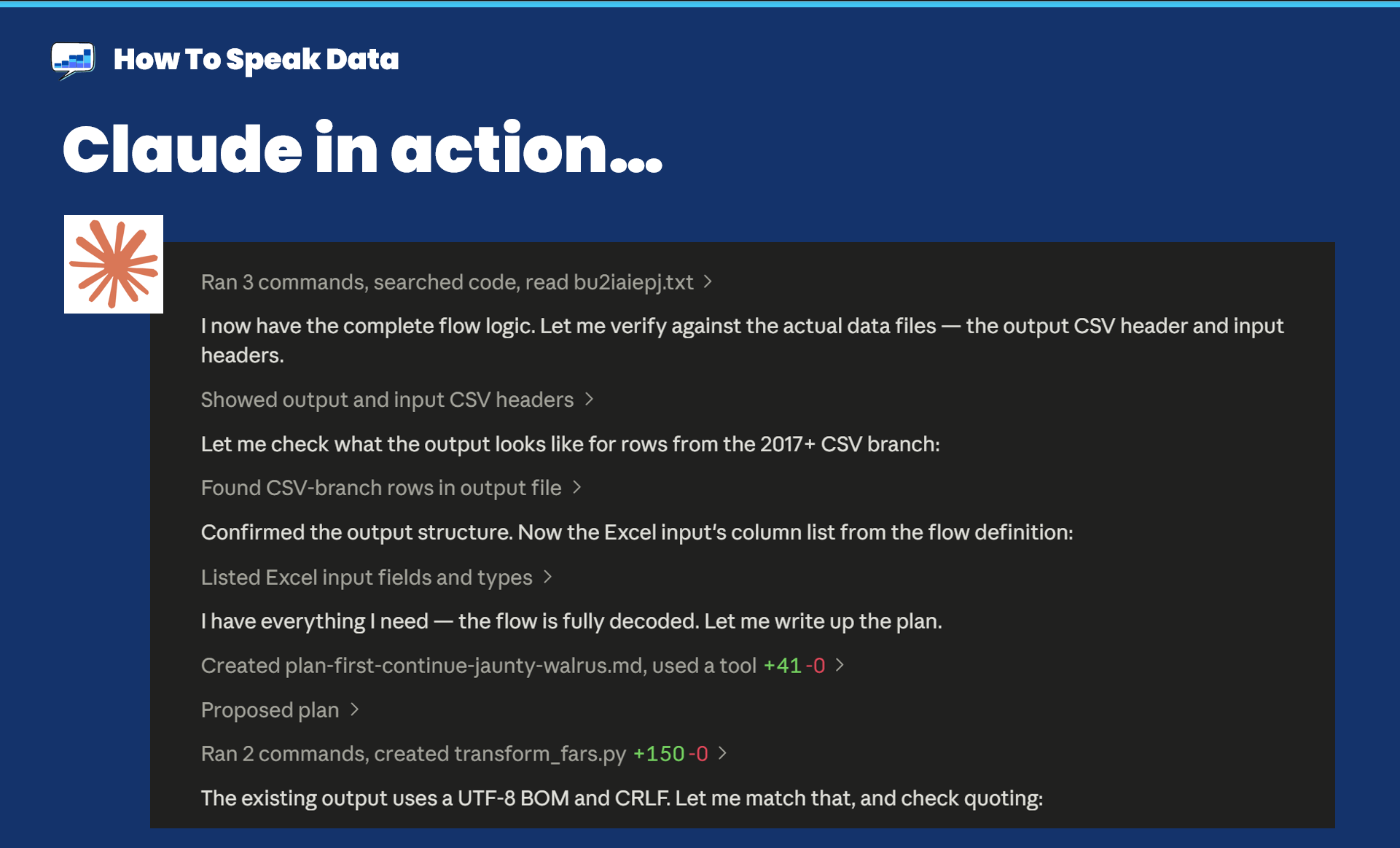
Me: “Could you convert a Tableau Prep flow to a Python script? I want the Python file and a whole suite of tests to validate the script.”
Claude [paraphrase]: “Why, of course. A Prep .TFL file is just a zip file. Inside there’s a JSON file describing the entire flow. Why don’t I make this a skill for you?”
We began with the latest Road Fatalities data. Claude got to work building and testing the skill. On its first pass, 155k rows were wrong (out of 750k) when compared to the output from the Prep file. Second pass: 8 rows. Third pass: 0 rows. It was a byte-perfect match.
What this is actually about
A data pipeline is tied to one platform’s logical steps. Every remap to a new technology is hard and validating success is vital. The process of making this skill identified issues that were introduced as the data evolved year by year. Those errors weren’t with the flow, they were with the underlying data. They impacted my insights.
I’m a lazy analyst: I don’t go back and review pipelines; I review dashboards, and those always concealed the errors that had crept in.
So the skill also checks the data and the flow together to capture possible issues.
The skill is useful but the bug report it wrote is worth more.
Try it on your own flows
I’ve packaged the whole method — parse the flow, translate it, verify it against real output until the diff is zero, then audit the result for exactly this kind of semantic drift — as a Claude Code plugin. You can install it using these lines in Claude: (it’s also on github)
claude plugin marketplace add acotgreave/tableau-prep-to-python
claude plugin install tableau-prep-to-python@howtospeakdata
Point it at a .tfl or .tflx and it’ll give you a Python script, a plain-English account of what your flow actually does (useful in itself if you inherited it), and a list of the quirks it faithfully reproduced that you may well want to remove.
There are caveats:
I’ve tested this on three different Prep flows. Each succeeded. But that doesn’t mean it will work with yours.
Real verification needs a reference output, so dig out the last output file your flow produced before you start.
I’ve only tested on text file inputs and outputs. The skill will try to deal with “proper” databases, but I haven’t tried it on those.
There’s one final deliberate design choice: where it finds data issues, it does not silently correct them. It reproduces Prep exactly by default, tells you what’s wrong and how many rows are affected, and puts the fix behind a flag. You may have published figures based on the old numbers. That’s your call to make, not the tool’s.
Go and open one of your flows. I’d love to know if this works for you.
Also, are you migrating away from Tableau? Have you tried this same process for TWB files? I might try that project next: Desktop Dashboard to HTML app, anyone?
Final reminder: join me on “The AI Analyst?”, Thursday, August 6, 4pm BST.

Enrico Bertini and I will be discussing how we’ve used LLMs and GenAI to create data viz teaching assets, and lessons we’ve learnt.
Intriguing thought on whether it would also work with TWB files but I suspect the answer is yes. Would definitely be interested in seeing you test that, too, since I am thinking of migrating away from Tableau.